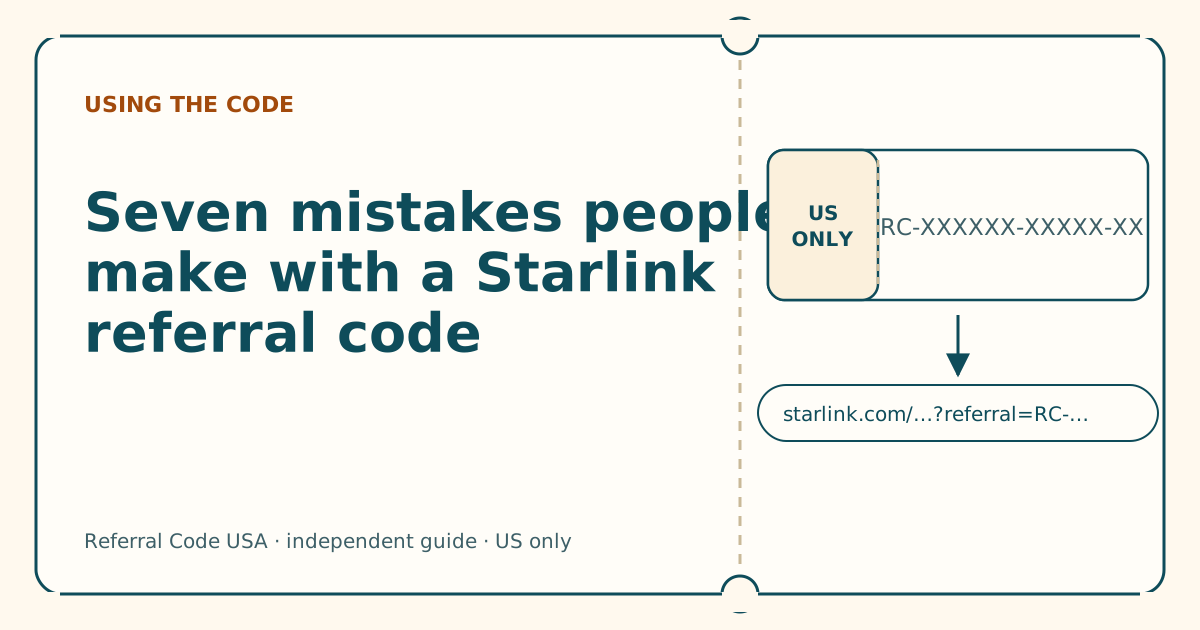
Seven mistakes people make with a Starlink referral code
Most failed referrals come down to the same handful of habits. Here's each one, why it breaks the referral, and what to do instead.
Key takeaways
- The referral travels inside a starlink.com link. Typing a code somewhere else does nothing.
- Open the link in the same browser you'll pay in, signed into your own new account.
- Order on starlink.com. Store-bought kits and private transfers don't count, per Starlink's terms.
- Never edit, shorten or retype the link. Copy it whole.
- Look for “Referral Code Applied” before you pay. A third-party guide says the referral can't be added afterwards.
On this page
- 1. Hunting for a code box
- 2. Copying a coupon-site code
- 3. Opening the link on one device, ordering on another
- 4. Ordering while signed into someone else’s account
- 5. Editing or shortening the link
- 6. Buying the kit in a store
- 7. Paying without checking
- Quick self-check before you pay
- A bonus mistake: thinking you’re stuck if you get it wrong
- What we don’t know
- What to do next
- Questions people ask
- Sources
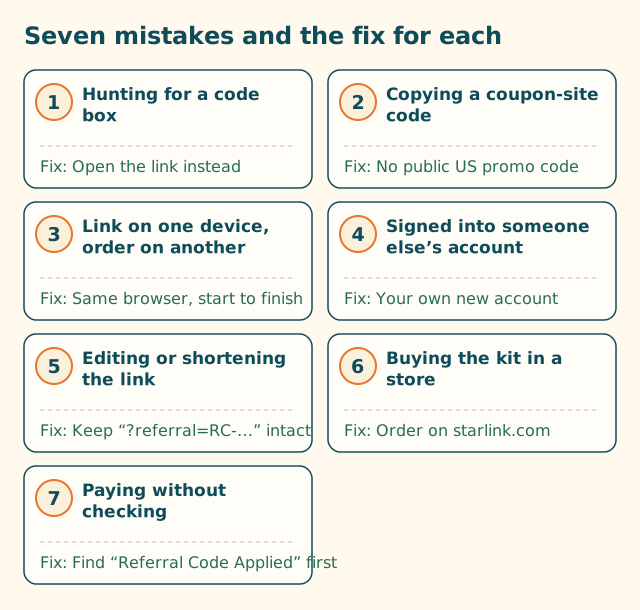
The seven mistakes that cost people a Starlink referral are: hunting for a code box that isn’t there, using a coupon-site code, opening the link on one device and ordering on another, ordering while signed into someone else’s account, editing or shortening the link, buying the kit in a store, and paying without checking that the referral is on the order. Each has a simple fix, and all seven come back to one fact: the referral code works inside the customer’s starlink.com link, opened in the browser where you’ll pay.
1. Hunting for a code box
What happens: You reach the order page, look for a “promo code” or “referral code” field, can’t find one, and assume it’s hidden behind a link or only shows up later. Some people give up here; others paste the code into the wrong place.
Why it breaks the referral: We found no such box at Starlink’s US checkout. Starlink’s help article on using a referral link gives three steps for new customers, and the first is “Open the unique referral link you were sent.” The code rides along in the web address, after ?referral=. That’s our reading of Starlink’s steps, and it’s the most important thing to know about Starlink referrals.
Fix: Start from the link, not the code. If you were only sent the bare RC-… code, ask for the full link (here’s how to ask). Our where-to-enter walkthrough shows the whole route.
2. Copying a coupon-site code
What happens: You search “Starlink promo code”, land on a coupon site, click “Get code”, and copy something like SAVE50 or FREEMONTH.
Why it breaks the referral: There’s no public US promo code to find, and even if there were, there’s no box to type it into. The discounts Starlink does publish don’t use codes: its promotional pricing terms say that if discounted pricing is available for your address, you will see the discount service price offering at the time you place your order on starlink.com.
Meanwhile, the time you spend on a coupon site is time you might have spent getting a real link.
Fix: Skip coupon sites for Starlink. The only code-shaped saving for a new US customer is the referral, and it comes as a link. Our piece on why coupon sites list Starlink codes that do nothing explains how those pages are made.
3. Opening the link on one device, ordering on another
What happens: A friend texts you their link. You tap it on your phone, have a look, then sit down at your laptop later and go to starlink.com directly to order.
Why it breaks the referral: The code was in the address your phone opened. Your laptop has never seen it. Starlink doesn’t document whether starlink.com remembers a referral between visits, or across devices, so you can’t count on it carrying over. The same goes for switching browsers on the same computer, or tapping a link inside a messaging app (which may open its own mini-browser) and then finishing in Safari or Chrome.
Fix: Open the link on the device and in the browser you’ll use to pay, in one sitting. If you want to read first and order later, keep the link saved (in a note, or in the message) and open it fresh when you’re ready.
4. Ordering while signed into someone else’s account
What happens: You’re helping a parent, spouse or friend order, and you use the computer where you’re already signed into starlink.com. Or the friend who referred you offers to “just do it on my account”.
Why it breaks the referral: The referral is for a new customer. Starlink’s terms say the referred subscriber is not, and has never been, a Starlink subscriber.
An order placed from an existing customer’s account isn’t a new customer ordering. The terms also say referred subscribers must be “natural persons” (individuals) and ban referrers from using multiple accounts to get around eligibility.
Fix: The new customer signs in (or creates an account) with their own email, on their own device if possible. If you’re helping, sit beside them rather than driving from your own account. Our guide to helping someone order sets out who does what.
5. Editing or shortening the link
What happens: The link looks long and messy, so you trim it, run it through a link shortener to make it neater, or retype it by hand from a screenshot.
Why it breaks the referral: The part that matters is the end: ?referral=RC-…. Trimming can cut it off. Some shorteners and apps drop everything after the question mark. Retyping invites a wrong character. And whether a link you assemble yourself counts the same as the one copied from the customer’s account isn’t something Starlink publishes.
Fix: Copy the link whole and paste it whole. Don’t “clean it up”. If extra tracking tags (utm_…) are on the end, leave them: they don’t carry the code, but removing things by hand is how the code gets removed too. Our anatomy of a referral link shows which part is which.
6. Buying the kit in a store
What happens: You see a Starlink kit at a big-box store or an online marketplace, buy it, and plan to use a friend’s referral when you activate.
Why it breaks the referral: Starlink’s terms are direct: the new customer must purchase a Starlink Kit and subscription directly from www.starlink.com.
They list retail stores, unauthorized resellers and private transfers from a third party as ineligible. Starlink’s help article repeats it: kits bought from resellers, retailers or account transfer don’t qualify.
Fix: If the referral matters to you, order the kit on starlink.com through the link. If a store price is much better, that’s a real trade-off, but be clear-eyed that you’re choosing the store price instead of the referral, not both.
7. Paying without checking
What happens: You open the link, pick a plan, type your address and card details, and submit, assuming the code is attached because you clicked a referral link.
Why it breaks the referral: Links break in ways that aren’t obvious: an app strips the end, a redirect drops it, you navigated to a different page. A third-party walkthrough of the program says the order page shows “Referral Code Applied” before you submit, with a banner at the top of the site saying you’re using a referral link, and that there’s no way to add the referral later.
Fix: Before you enter card details, look for “Referral Code Applied” on the order page. If it isn’t there, stop. Work through our six-question flowchart, or reopen the link in the browser you’re paying in. Taking a screenshot of the order summary with the referral line showing is a sensible habit.
Quick self-check before you pay
Run down this list with the order page open:
| Check | Yes means |
|---|---|
| I opened a link (not typed a code) | The code had a way to reach checkout |
| The address bar shows starlink.com | You’re on the real site |
| I’m in the same browser where I opened the link | The code is in this session |
| I’m signed in with my own email, and I’ve never had Starlink | You’re the new customer the program is for |
| I’m ordering a Residential or Roam plan | Your plan is on Starlink’s referral plan list |
| My service address is in the US | It matches a US referrer’s country |
| I can see “Referral Code Applied” | The referral is on the order |
If every row is a yes, you’re set. For a new customer, a working referral means one free month of service on the eligible plan you choose, credited to the second bill; on the plans with prices in our data that’s worth $55–$175, depending on plan.
A bonus mistake: thinking you’re stuck if you get it wrong
If you’ve already ordered without the referral, it’s frustrating, but it’s not a disaster: you’ll pay the same prices you’d have paid anyway, minus the free month you didn’t get. Starlink’s US terms of service let you return a kit bought on starlink.com within 30 days of the payment due date for a full refund, including the first month’s fee. Some people consider returning and reordering through the link; whether a new order would then count as a “new customer” is not something Starlink addresses, and its referral terms say a referred subscriber must never have been a subscriber. We won’t recommend that route. Ask Starlink support what’s possible for your order instead.
What we don’t know
- Whether starlink.com keeps a referral if you leave and come back later in the same browser. Not published.
- Whether a referral link opened in a browser carries over if you finish in the Starlink app. Not published.
- Whether a hand-built link (starlink.com address plus a pasted code) counts. Not published.
What to do next
Get the full link, check it with our link and code checker, then follow the where-to-enter walkthrough screen by screen.
Questions people ask
What's the most common Starlink referral code mistake?
Looking for a box to type the code into. We found none at US checkout. Starlink's own steps start with opening the customer's referral link, and the code reaches checkout inside that web address.
Can I add a referral code after I've ordered?
A third-party guide to the program says there's no way to add it later, and Starlink publishes no route for doing so. Check for the referral on the order page before you pay.
Does a referral work if I buy the kit at a store?
No. Starlink's terms say the kit and subscription must be bought directly on starlink.com, and that retail stores, unauthorized resellers and private transfers aren't eligible.
I used to have Starlink. Can I use a referral code now?
Starlink says existing and returning customers are not eligible. The terms require that you are not, and have never been, a Starlink subscriber.
Can I use a referral code from another country?
Starlink's terms require your service address to be in the same country as the referrer's. For a US order, you need a code from a customer with a US service address.
Is it a mistake to use a coupon site's Starlink code?
It won't hurt you, but it won't do anything either. We found no public US promo code and no box to type one into. Coupon-site codes have nowhere to go.
Related guides
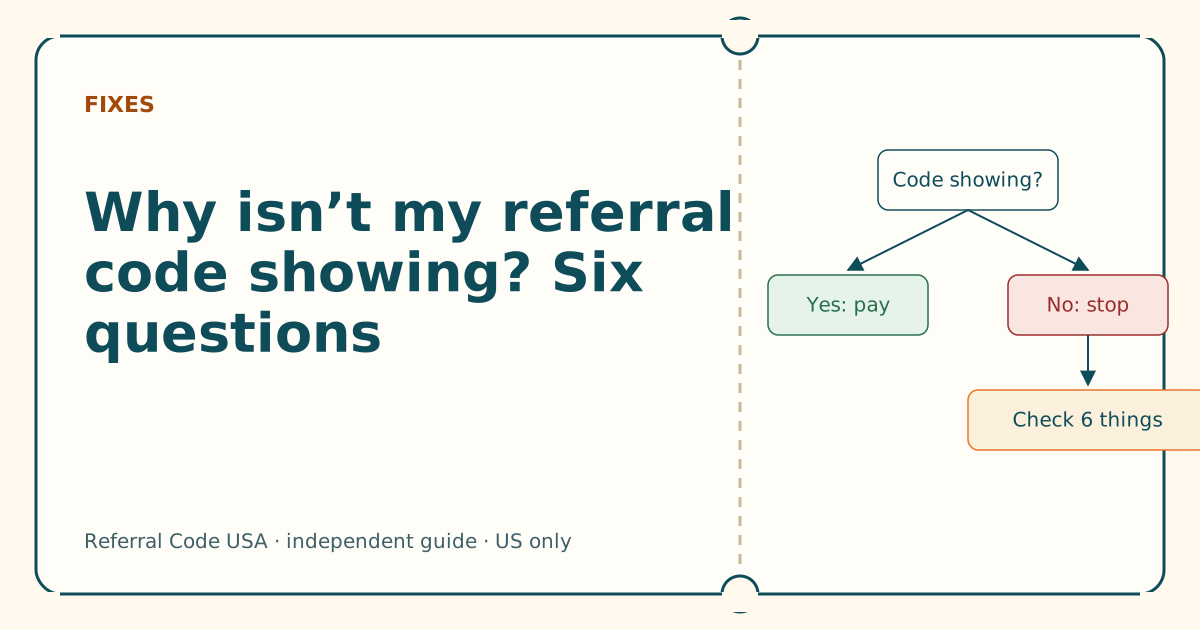
Why isn't my referral code showing? Six questions
Answer six yes-or-no questions in order. The first “no” is almost always your cause, and each one has a fix you can do in a minute.
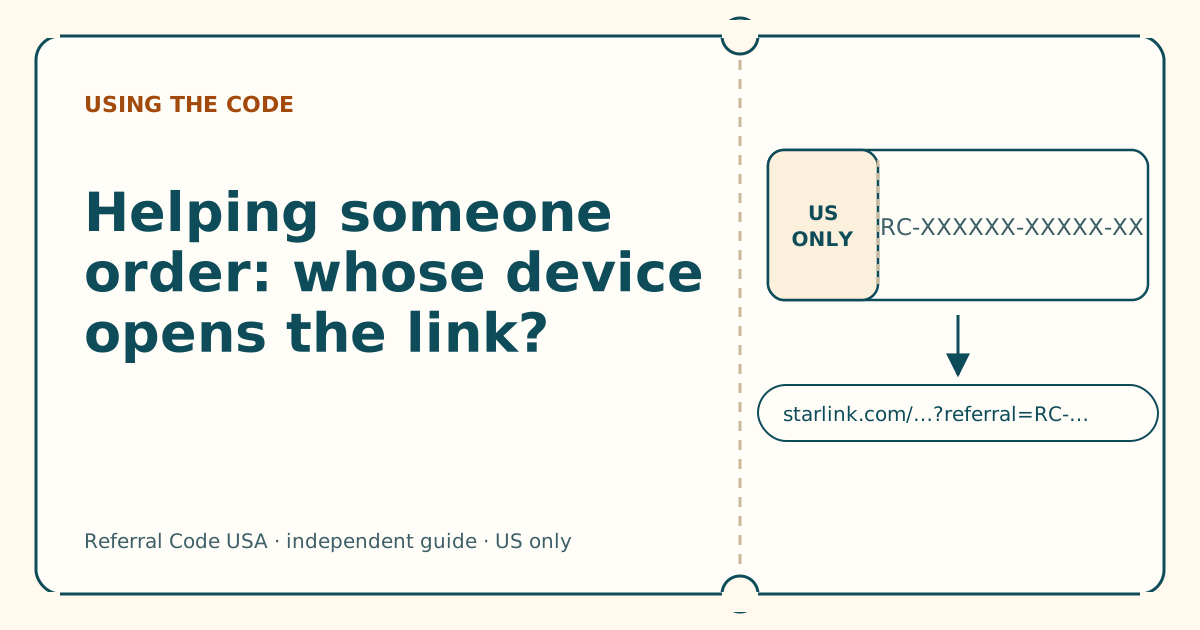
Helping someone order: whose device opens the link?
The new customer's own browser, account and card should carry the order. The helper's job is the link, the reading and the final check.
Why coupon sites list Starlink codes that do nothing
A coupon page for Starlink looks like every other coupon page. The difference is that Starlink's US checkout has nowhere to use what it gives you.
Sources
What we read for this article, and when. Prices on this site come from one data file, re-read at least every 30 days.
- How do I use a referral link? (Starlink help center), retrieved
- Referral Program Terms, US (DOC-1882-84808-83), retrieved
- Promotional Service Pricing Terms of Service (Starlink help center), retrieved
- Starlink Terms of Service, US (DOC-1020-91087-64), retrieved
- How to Use Starlink's Referral Program (DISHYtech, third-party guide), retrieved
Spotted something out of date? Report it, and see how we check claims.
Independent · not affiliated with SpaceX. Referral Code USA is an independent site. Some pages may show our own Starlink referral code; if you order with it, we may receive a referral reward from SpaceX. That never changes what an article says, and articles about scams carry no code at all. How we make money.