Copy a referral link on your phone without breaking it
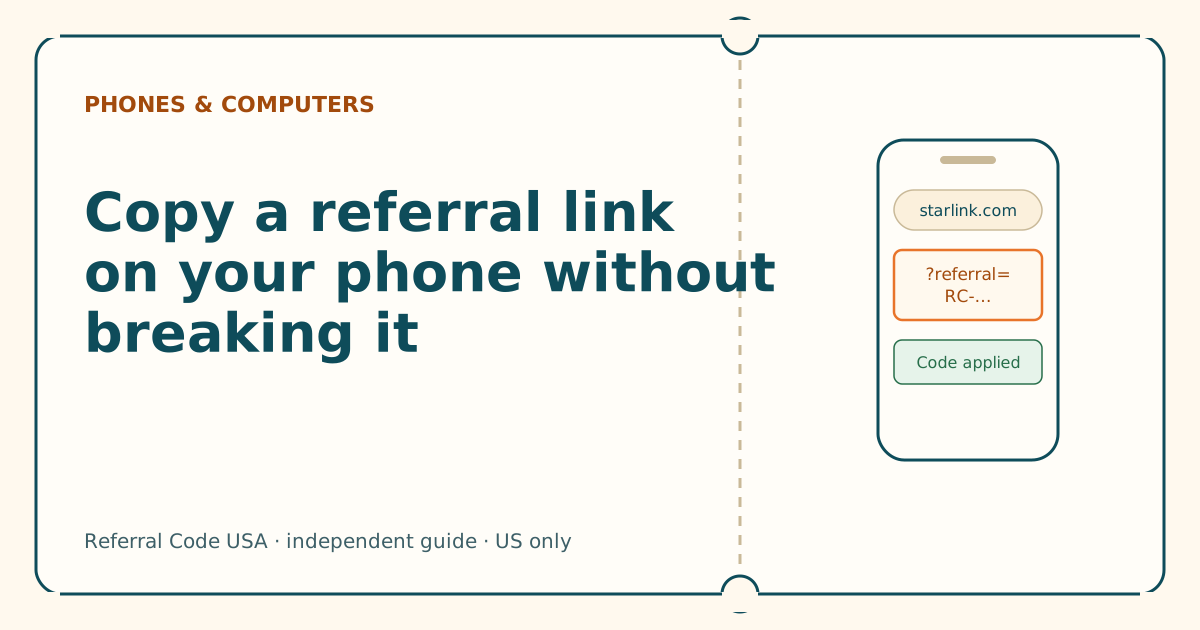
Dragging selection handles across a long link is where codes get cut off. Press and hold the link itself instead, then check the end of what you pasted.
Key takeaways
- Don't drag selection handles across a link. Press and hold the link itself and choose the copy option.
- Selecting by hand often stops short of the code, or grabs a trailing period or quote mark.
- After pasting, check the end: it should finish with the RC- code (or an &utm tag after it), nothing else.
- If a link opens inside an app's built-in browser, copy it from there or use “open in browser” before ordering.
- Order in the same browser where you pasted the link.
On this page
- Why phone selection breaks links
- Copying on iPhone
- Copying on Android
- Copying from an app’s built-in browser
- Copying from the address bar
- Checking what you copied
- Then open it in the right place
- Saving the link for later
- Sending a link cleanly (for the person sharing)
- Troubleshooting: symptom, cause, fix
- Common mistakes
- What to do next
- Questions people ask
- Sources
To copy a Starlink referral link on a phone without breaking it, press and hold the link itself (not the words around it) until a menu appears, then choose the copy option, usually labelled “Copy Link” on iPhone or “Copy link address” in Chrome on Android. Avoid dragging selection handles across the text: that’s how people cut off the code or pick up a trailing period or quote mark. After pasting, check the end of the link. It should finish with ?referral=RC- and the code (sometimes followed by &utm_… tags), and nothing else.
Why phone selection breaks links
A Starlink referral link is long. On a narrow screen it wraps across two or three lines, and the code sits at the very end. When you select it by hand:
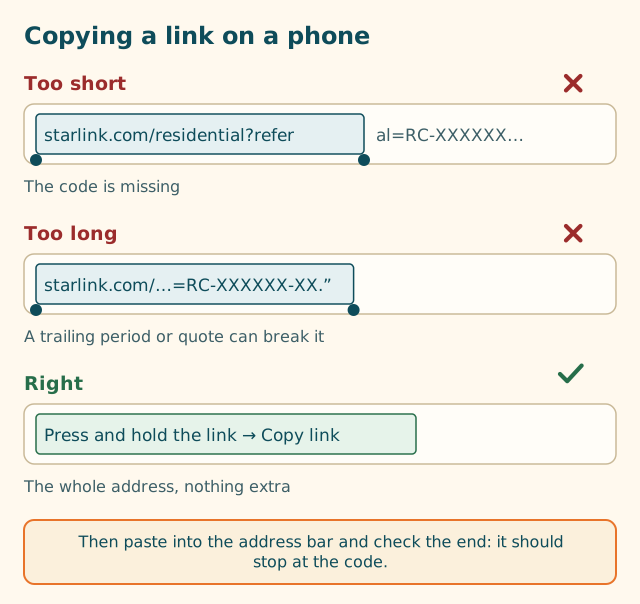
- The selection stops short. Phones try to guess word boundaries, and a link is full of slashes, dots and hyphens. It’s easy to end up with
…/residential?referand nothing after it. - The selection runs long. The link often sits inside a sentence:
Here's my link: https://… .A hand selection can grab the full stop, a closing quote or a bracket. Some browsers tolerate that; for a referral code, a stray character on the end could mean the code doesn’t match. - The link is split by a line break. In some messages and emails, a long link is broken over two lines. Selecting one line gets half.
The press-and-hold menu avoids all three because it copies the link’s actual address, not the visible text.
Copying on iPhone
- Find the link in Messages, Mail, WhatsApp or wherever it arrived. It’s usually blue or underlined, or shown as a preview card.
- Touch and hold the link until a menu or page preview appears. (In Safari, touching and holding a link shows a preview of the page along with a menu.)
- Choose the copy option, typically “Copy Link”. Some apps use “Copy” or put it under a share button. Wording varies by app and iOS version.
- Don’t tap “Open” yet unless you’re opening it in the browser you’ll order in.
If the link shows as a preview card (a box with a picture and title), touch and hold the card; the same menu usually appears.
If the message contains only the bare RC-… code and no link, there’s nothing to copy that will work: ask the sender for the full link. See someone texted you just the RC- code.
Copying on Android
- Find the link in Messages, Gmail, WhatsApp or similar.
- Press and hold the link until a menu pops up.
- Choose the copy option. In Chrome this is usually “Copy link address”; in many messaging apps it’s “Copy link” or “Copy”. Wording varies by app, phone maker and Android version.
- If the app only offers “Copy text” for the whole message, paste it into a note first and then copy just the link from there (press and hold the link in the note).
Copying from an app’s built-in browser
If you tapped the link and it opened inside a messaging or social app (you’ll see the app’s own toolbar rather than Safari or Chrome), you’re in an in-app browser. It can work, but it’s a separate browser from the one you’ll probably pay in, and it’s easy to lose track of.
Look for a menu (often ⋯ or a share icon) with “Open in browser”, “Open in Safari” or “Copy link”. Use it to move to your normal browser. Then check the address bar there still has the referral part.
Copying from the address bar
Once a referral link is open in your normal browser and the address bar shows the full link, that’s the cleanest copy you can get:
- Tap the address bar. The full address appears, often already selected.
- If it isn’t selected, use “Select All” from the menu, then “Copy”. (Some browsers also offer a copy button right in the address bar menu.)
This is a good way to save a clean copy for later, or to forward to someone you’re helping.
Checking what you copied
Paste the link somewhere you can read it: a note, a message to yourself, or our link and code checker, which runs in your browser and doesn’t send what you paste anywhere. Then check:
| Check | Good | Problem |
|---|---|---|
| Start | https://www.starlink.com or https://starlink.com |
Another website, or nothing before starlink |
| Middle | /residential or /roam, then ?referral= |
No ?referral= |
| End | RC- and the full code, or &utm_… tags after it |
The code cut short; a ., ", ) or > at the very end |
| Spaces | None | Any space inside the link |
If anything’s wrong, go back to the original message and copy again using press-and-hold. Don’t fix it by hand: retyping is where characters go wrong, and Starlink doesn’t say whether a hand-assembled link counts the same as the one the customer copied from their account. See anatomy of a referral link for what each part does.
Then open it in the right place
- Paste the link into the address bar of the browser you’ll order in, and go.
- Check the address bar after the page loads. The referral part should still be there.
- Stay in that tab through the order screens. Starlink doesn’t document whether a referral survives switching browsers, devices or moving into the Starlink app.
- Before paying, look for “Referral Code Applied” on the order page, which a third-party walkthrough reports when the referral is attached. If you can’t see it, work through the six-question flowchart.
For a new customer, a working referral gives one free month of service on the eligible plan you choose, credited to the second bill.
Saving the link for later
If you’re not ready to order today, keep a clean copy of the link somewhere it won’t get changed:
- A message to yourself (text or email), with the link on its own line and nothing after it.
- A plain note. Some notes apps turn links into rich previews or tidy them up; after saving, tap the link once to check it still opens the full address with
?referral=RC-…. - A browser bookmark, made while the full referral link is open in the address bar. Check the saved address afterwards; most browsers save it exactly.
Avoid saving it as a screenshot. You can’t open a picture, and text recognition from images is another place for a character to slip.
When you come back to order, open the saved link fresh in the browser you’ll pay in. Don’t rely on starlink.com remembering an earlier visit; Starlink doesn’t document whether it does.
Sending a link cleanly (for the person sharing)
If you’re the one sharing your referral, a few habits save your friend from every problem on this page:
- Copy the link from the Referrals section of your Starlink account, using the copy option there.
- Paste it into the message on its own line, with nothing straight after it: no full stop, no closing bracket, no emoji touching the last character.
- Don’t shorten it or rewrite it. Send the full starlink.com address.
- If you also send the
RC-code for reference, put the link first and make clear the link is what to open.
Troubleshooting: symptom, cause, fix
| What you see | Likely cause | Fix |
|---|---|---|
The pasted link ends in ?refer or ?referral= with nothing after it |
Selection stopped short | Copy again with press-and-hold on the link |
The link ends in . " ) or > |
Punctuation from the message came along | Copy again with press-and-hold; don’t trim by hand |
The page opens but the address has no ?referral= part |
You copied a different link, or something dropped the end | Go back to the original message; see shortened referral links |
| The link opens inside a messaging app | In-app browser | Use “Open in browser”, then check the address |
| “Copy” isn’t in the menu | The app shows the message as plain text | Copy the whole message into a note, then press and hold the link there |
Common mistakes
- Copying just the code. It has nowhere to go without the link.
- Copying a screenshot. You can’t paste a picture into an address bar. Some phones can extract text from images, but that’s another place for characters to go wrong.
- Letting autocorrect touch it. If you paste a link into a message and keep typing, some keyboards “correct” parts of it. Paste it on its own.
- Shortening it to make it neat. Some shorteners and apps drop the part after
?. See shortened referral links.
What to do next
Copy the link with press-and-hold, paste it into the link and code checker, then follow the where-to-enter walkthrough in the same browser.
Questions people ask
How do I copy a link on an iPhone?
Touch and hold the link (not the text around it) until a menu or preview appears, then choose the copy option, usually labelled Copy Link. Menu wording varies by app and iOS version.
How do I copy a link on Android?
Press and hold the link until a menu appears, then choose the copy option, often labelled Copy link address in Chrome or Copy link in messaging apps. Wording varies by app and Android version.
Why did my copied Starlink referral link stop working?
Usually because the copy missed part of the code or picked up an extra character, like a period or closing quote from the message. Copy it again by pressing and holding the link, and check the end.
How do I check the link I copied?
Paste it into a note or our link checker and look at the end. It should be ?referral=RC- followed by the code, optionally followed by tracking tags starting with &. Nothing like a period, quote or bracket at the very end.
Can I copy just the RC- code instead?
You can, but the code alone has nowhere to go at Starlink's US checkout. You need the whole link. Copy the link, not the code.
Should I open the link in the app or the browser?
Open it in the phone browser you'll order in. Starlink doesn't publish whether a link opened in a browser carries into the Starlink app, so finishing in the browser is the safer route.
Related guides
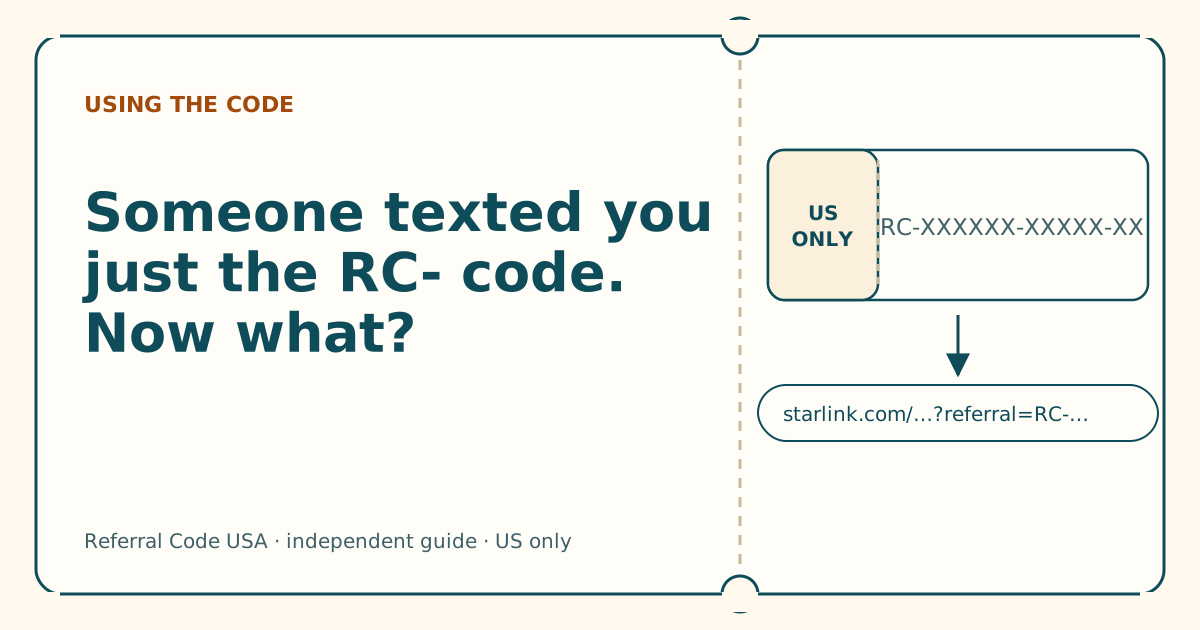
Someone texted you just the RC- code. What now?
A code on its own can't be typed in anywhere. Ask for the full link, check it, then open it in the browser you'll pay in.
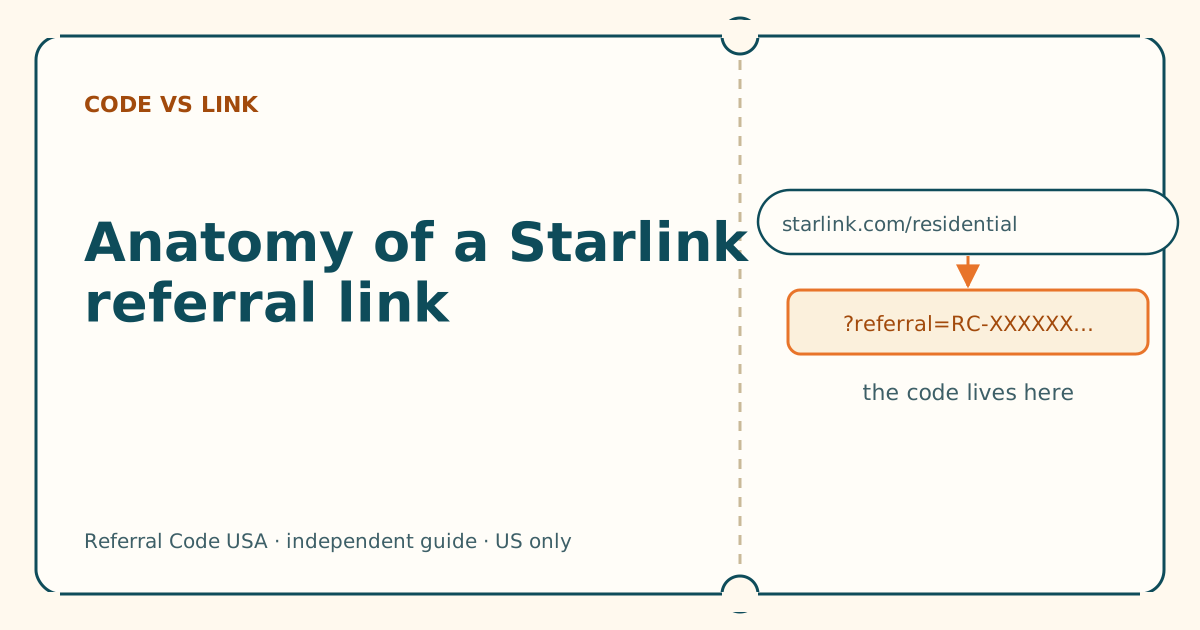
Anatomy of a Starlink referral link, piece by piece
Five parts, one job. Once you can read the address, you can tell a working referral link from a broken or fake one in seconds.
Why isn't my referral code showing? Six questions
Answer six yes-or-no questions in order. The first “no” is almost always your cause, and each one has a fix you can do in a minute.
Sources
What we read for this article, and when. Prices on this site come from one data file, re-read at least every 30 days.
- How do I use a referral link? (Starlink help center), retrieved
- How do I refer people to Starlink? (Starlink help center), retrieved
- URL: search property (MDN Web Docs), retrieved
- How to Use Starlink's Referral Program (DISHYtech, third-party guide), retrieved
Spotted something out of date? Report it, and see how we check claims.
Independent · not affiliated with SpaceX. Referral Code USA is an independent site. Some pages may show our own Starlink referral code; if you order with it, we may receive a referral reward from SpaceX. That never changes what an article says, and articles about scams carry no code at all. How we make money.